See how Truviss’s Domain Scanner flags lookalike and cloned domains the moment they’re registered.
Book a demo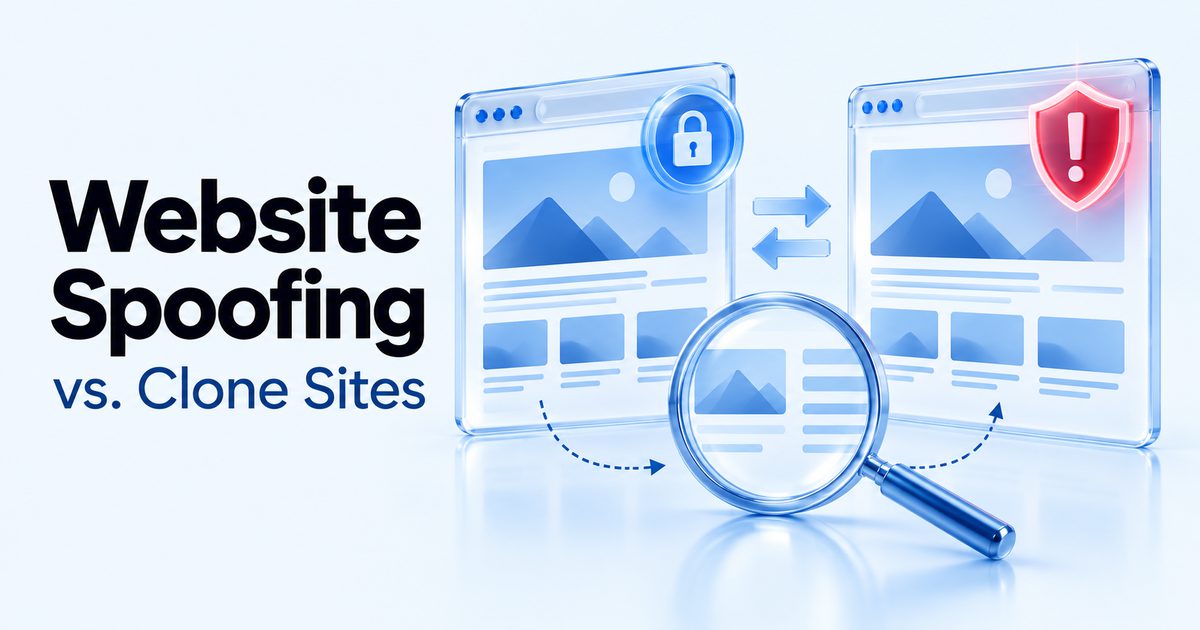
- A typosquatted domain is a similar web address that may only mimic your site loosely. A cloned site copies the whole thing, including checkout and login flows, to actually capture data.
- AI site-cloning tools have cut the build time for a convincing clone from days to minutes, which is why clone volume is up even for brands that assumed they were too small to target.
- Clones rarely work alone. A fake ad or social post usually drives the traffic that makes the clone worth building in the first place.
- Four monitoring signals catch most clones early: certificate registration alerts, referral traffic anomalies, content similarity scans, and complaint patterns.
The confusion that costs teams time
“Lookalike domain” and “cloned website” get used as if they mean the same thing. They don’t, and treating them the same slows down the response.
A typosquatted domain is a web address close enough to yours to fool someone moving fast: a swapped letter, an extra character, a numeral standing in for a similar-looking letter. It may point to a page that only loosely mimics your branding, sometimes nothing more than a parked page or an ad redirect. Our guide to domain phishing covers this pattern in depth, including how attackers pair a close domain with a valid SSL certificate to remove the one warning sign most people would actually notice.
A cloned site is a different, more expensive attack to build and a different problem to solve. It doesn’t just borrow your domain’s likeness, it copies the entire site: layout, product pages, and critically, the checkout or login flow, so it can actually capture payment details or credentials rather than just fooling someone at a glance. If you’re dealing with a domain that’s close to yours but hasn’t replicated your actual site, start with the domain phishing guide instead. This one is for when the copy is real.
How a clone site actually gets built
Cloning a website used to take real effort: scraping HTML and CSS by hand, rebuilding forms, hosting the result somewhere that wouldn’t get flagged immediately. That effort used to be the main thing keeping clone volume down.
Three mechanical steps make it trivial now. First, the attacker scrapes the target site’s HTML, CSS, and image assets, which most site-cloning tools do in minutes rather than days. Second, they stand the copy up on a lookalike domain, or sometimes an entirely unrelated one that gets its traffic another way. Third, they drive visitors to it, either through DNS manipulation, a paid ad, or a social post claiming to be an official channel.
The 2026 shift is speed. AI-assisted cloning tools have taken a job that once required a developer a day or two and reduced it to a few minutes of automated scraping and templating. That’s the reason clone volume is climbing even for smaller brands that previously had reason to assume they weren’t worth the effort. The effort barely exists anymore.
A clone is only half the picture. See how Truviss’s Social Media Monitor catches the ad or impersonator account usually feeding it traffic.
Explore Social Media Monitor
Why this is a growing risk, not a one-off
A clone site on its own is a dead end unless someone finds it. That’s why clones are increasingly the front end for a blended attack rather than a standalone problem: a fake ad or an impersonator social account drives the traffic, and the clone is just the page that closes the sale or harvests the details.
A clone rarely stands alone. Catching the social post or ad campaign feeding it traffic closes the loop faster than waiting for the clone itself to surface through a customer complaint. This is one reason domain monitoring and social monitoring work better paired than run separately: the clone is the destination, but the ad or post is usually the easier thing to spot first, since it’s actively being promoted rather than sitting quietly on an obscure domain.
The scale this can reach is real. Our own case study on 705 Domains: Anatomy of a Brand Impersonation Attack documents a single coordinated operation registering domains in the hundreds to feed a much smaller number of clone and phishing sites, each one disposable and quickly replaced once flagged. That’s part of what makes manual monitoring unworkable at any real scale.
The detection workflow: what to actually monitor
Waiting for a customer to report a fake site is the slowest possible way to find one. Four signals catch a clone earlier, and none of them require guessing where to look.
Certificate registration alerts. Every public SSL certificate gets logged within seconds of issuance in Certificate Transparency logs, an append-only public record that browsers require before trusting a certificate. A domain requesting a certificate for a name that includes your brand terms is one of the earliest signals available, often appearing before the site is even fully built.
Referral traffic anomalies. An unexpected spike in traffic referred from a domain you don’t recognise, especially one that correlates with a drop in direct conversions, is a strong sign that a clone is actively diverting your customers rather than just existing quietly.
Content similarity scans. Automated scans that compare a suspicious domain’s layout, imagery, and text against your own site’s assets catch clones that a keyword search alone would miss, since the attacker isn’t using your exact brand name in the domain itself.
Complaint patterns. Customers reporting a wrong price, a broken checkout, or an order that never arrived from a channel you don’t actually sell through is a lagging signal, but it’s still a signal, and it’s worth having a clear intake process so these reports reach whoever owns takedowns rather than getting lost in general support.
If you’re wondering what counts as a rogue website in this context: it’s any site using your brand’s name, imagery, or product listings without authorisation, whether that’s a full clone, a fake storefront on a marketplace, or a phishing page. The detection signals above apply across all of them, not just full clones specifically.
What to do once you find one
Speed matters, but evidence matters more. Screenshot the full site, including the checkout or login flow if it exists, and capture the WHOIS registration data and hosting provider before doing anything else. Clones get taken offline fast once flagged, sometimes within hours, and they tend to re-emerge under a new domain shortly after, so the evidence you gather now is often the only record that the first version ever existed.
A website takedown request typically goes through the hosting provider’s or registrar’s abuse channel first, citing the specific policy violation (trademark infringement, phishing, fraud) with the evidence attached. Most legitimate hosts act on a well-documented report within a day or two [unverified: no specific source found for this turnaround range; general industry practice, not a cited stat]. If the request stalls, or the host is unresponsive, escalating to a formal legal notice, or in the case of active fraud, a report to the relevant financial fraud or cybercrime authority, is the next step. Keeping a documented trail through this process matters if the same operator reappears under a new domain, since a pattern of prior takedowns strengthens any future action against them.
Typosquat vs. clone: a quick decision table
| What you’re seeing | Likely attack type | First response |
|---|---|---|
| A domain that’s close to yours but the page doesn’t match your site | Typosquat / lookalike domain | Monitor it, and consider preemptively registering close variants of your own domain |
| A domain hosting a page that matches your site’s layout and content closely | Clone site | Preserve evidence, then start the takedown process |
| A clone site plus an active ad campaign or social post driving traffic to it | Blended attack | Takedown on the clone, paired with a platform report on the ad or post feeding it |
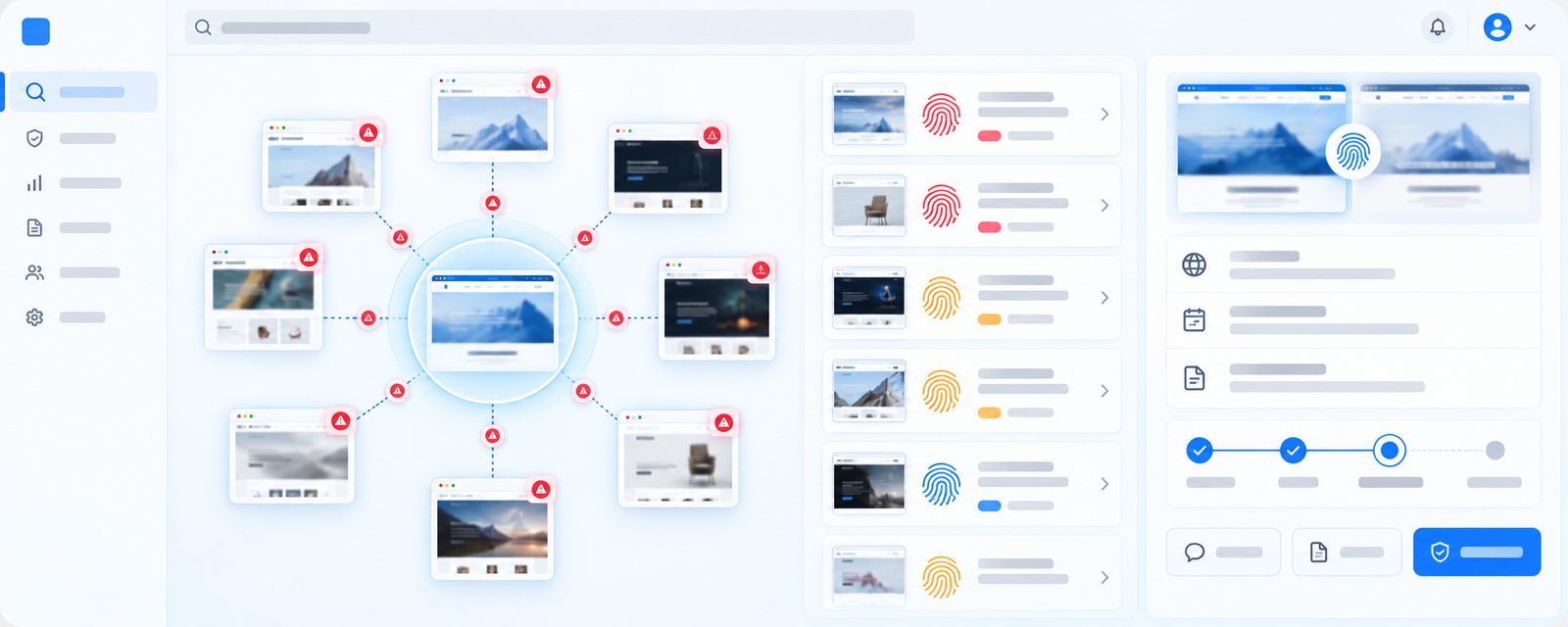
The common thread across all three rows is the same: you need to be watching your domain space and your social/ad footprint continuously, not periodically, because the gap between a clone going live and it being handed off to a customer is measured in hours, not days. Truviss’s Domain Scanner flags lookalike and cloned domains as soon as they’re registered, and pairs with Social Media Monitor to catch the ad or post usually driving traffic to them, so the detection side of this table runs continuously rather than depending on someone noticing manually.
Fake pharmacy domains are one of the highest-stakes versions of this same clone-site pattern — see how healthcare brands are affected.