Truviss surfaces registrar and hosting detail automatically as part of each detection.
Explore Domain Scanner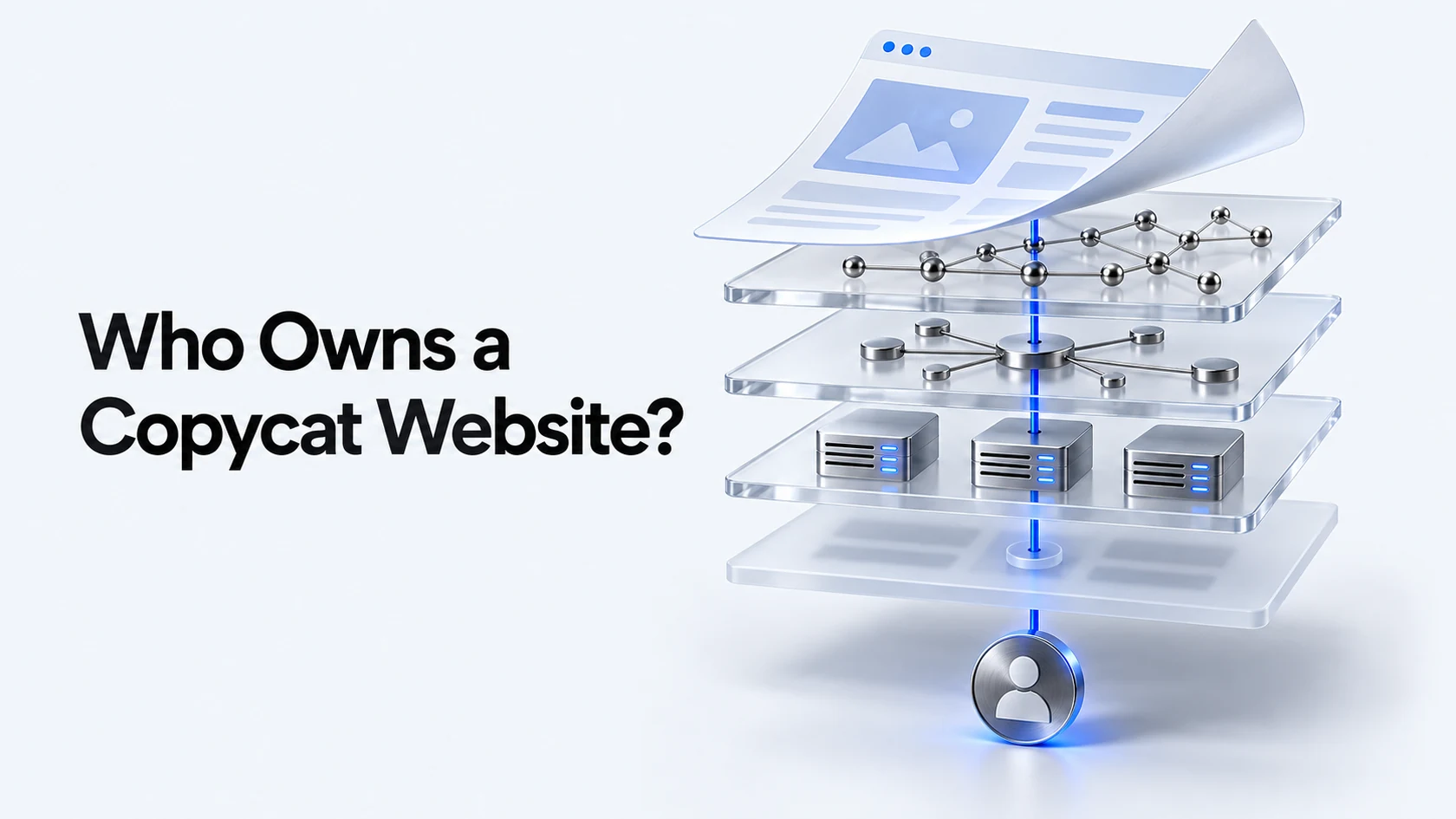
- A WHOIS lookup tells you who registered a domain; a separate hosting lookup tells you who actually serves the site, and they’re often different companies.
- Privacy services can hide the registrant’s name, but the registrar and host are still identifiable, and that’s usually enough to act on.
- Send your report to the party that can actually do something: the registrar for the domain itself, the host for what’s running on it.
Every route for removing a copycat website starts with the same question: who actually controls it? A WHOIS lookup and a basic hosting check answer that, and knowing the difference between a registrar and a host is what stops a report going to the wrong inbox and sitting there unanswered.
Registrar, host, and CDN are not the same thing
The registrar is who the domain name itself is registered through. The host is who actually serves the website’s files. A content delivery network, if one is in front of the site, is a third layer again. A copycat site can be registered through one company, hosted through another, and fronted by a CDN from a third, and each one is a different escalation route.
Running a WHOIS lookup
ICANN’s own lookup tool at lookup.icann.org accepts a domain and returns its registration data: the registrar, the creation date, and, unless privacy protection is enabled, the registrant’s name and organisation. This is the fastest way to confirm which registrar to contact first.
Reading the hosting record
WHOIS tells you about the domain, not necessarily the server. A separate IP lookup on the site’s hosting address identifies the actual hosting provider, which matters most for a phishing domain or cloned content, since the host, not the registrar, is who can pull the files offline.
When privacy protection hides the registrant
Most registrars now offer privacy or proxy services by default, which mask the individual registrant’s name behind a proxy address. This doesn’t block a takedown route: the registrar and host are still visible, and both accept abuse reports without needing the underlying registrant’s identity.
Doing this lookup manually for one site is quick; doing it every time a new lookalike domain appears is not, which is the gap Truviss’s domain monitoring is built to close automatically.
Routing the complaint to the right party
Use the registrar for a domain-name dispute, a lookalike or trademark-infringing domain name itself. Use the host for content on the site, phishing pages, copied material, malware. If both apply, most teams report to the host first, since it usually has the most direct incentive to act quickly on active phishing or malware.
Conclusion: identity first, action second
Skipping the WHOIS and hosting check and reporting straight to a generic abuse address is the single most common reason a takedown request goes nowhere. Truviss is Acviss’s online brand protection solution, and it surfaces registrar and hosting detail automatically as part of each detection rather than leaving that lookup to your team every time. Book a demo to see it in action.
Comments
One response to “How to Find Out Who Owns a Copycat Website”
[…] with the site’s own footer or a search for the domain plus “DMCA”, then use a WHOIS and hosting lookup to find the actual hosting provider if the site doesn’t list one directly. Larger hosts […]