
Truviss · Ads Scanner · Google Search
Find fake offers in Google search ads
Review suspected ads that use your brand identity, then follow the destination customers reach. Keep verified evidence ready for your team’s report.
Talk to SalesFollow the search
Connect the ad to the place it sends people
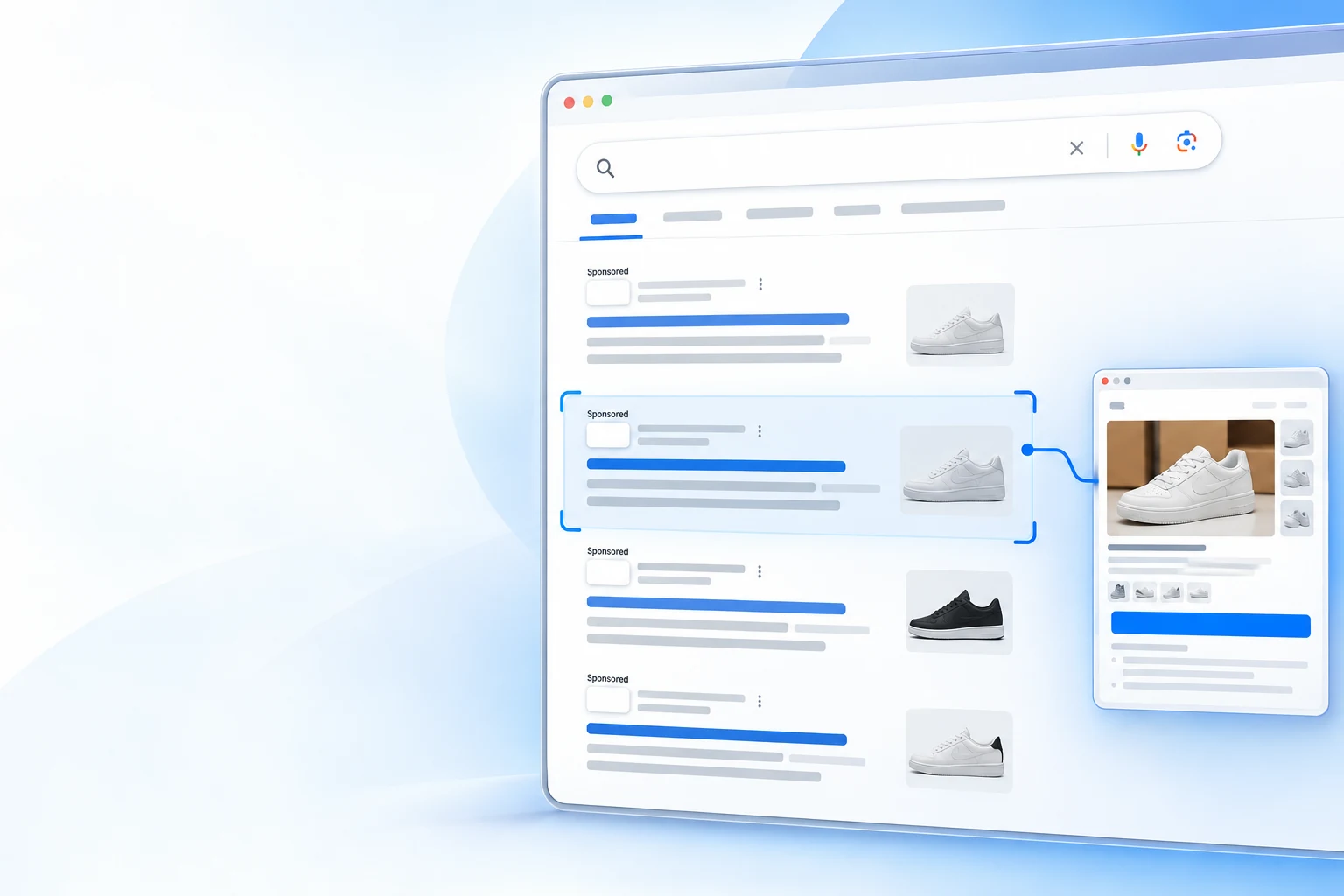
A useful review looks beyond a familiar brand name in a sponsored result. The destination can reveal a counterfeit shop, misleading offer or phishing page.
Search result
Review suspected sponsored placements using your brand name, imagery or product identity without authorisation.
Destination page
Check whether the landing page represents your business or redirects customers to an unauthorised site.
Evidence record
Keep the creative, destination URL and timestamp together for verification and reporting.
For brand and marketing teams
Your customers may see an ad you never approved
Fraudulent ads can appear beside genuine search results, use familiar brand assets and redirect customers to a fake shop or phishing page. Truviss helps teams examine the creative and landing destination in context, then organise verified evidence for the platform’s reporting process.
After verification
Evidence ready for your team’s report
Ad-network enforcement is not an automated takedown path. Your team submits verified cases through Google’s reporting process.
Confirm brand misuse
Compare the ad and destination with your official brand assets and online presence.
Keep the details together
Retain the creative, destination URL and timestamp as one review record.
Report through Google
Use Google Ads’ reporting process to raise a verified case.
Frequently asked questions
Google Ads brand misuse
Suspected ads that use a brand’s name, imagery or product identity without authorisation, and the destination page they link to.
No. Truviss helps identify and document suspected ad misuse. Your team submits the verified report through Google Ads’ reporting process.
The ad creative, destination URL and timestamp help keep the suspicious promotion and landing page in context.