Truviss · Ads Scanner · Sponsored content
Find fake ads on LinkedIn using your brand
Review promoted content that copies your brand identity, misleads buyers or directs them to an unapproved destination. Keep the post and its context clear for your team.
Talk to Sales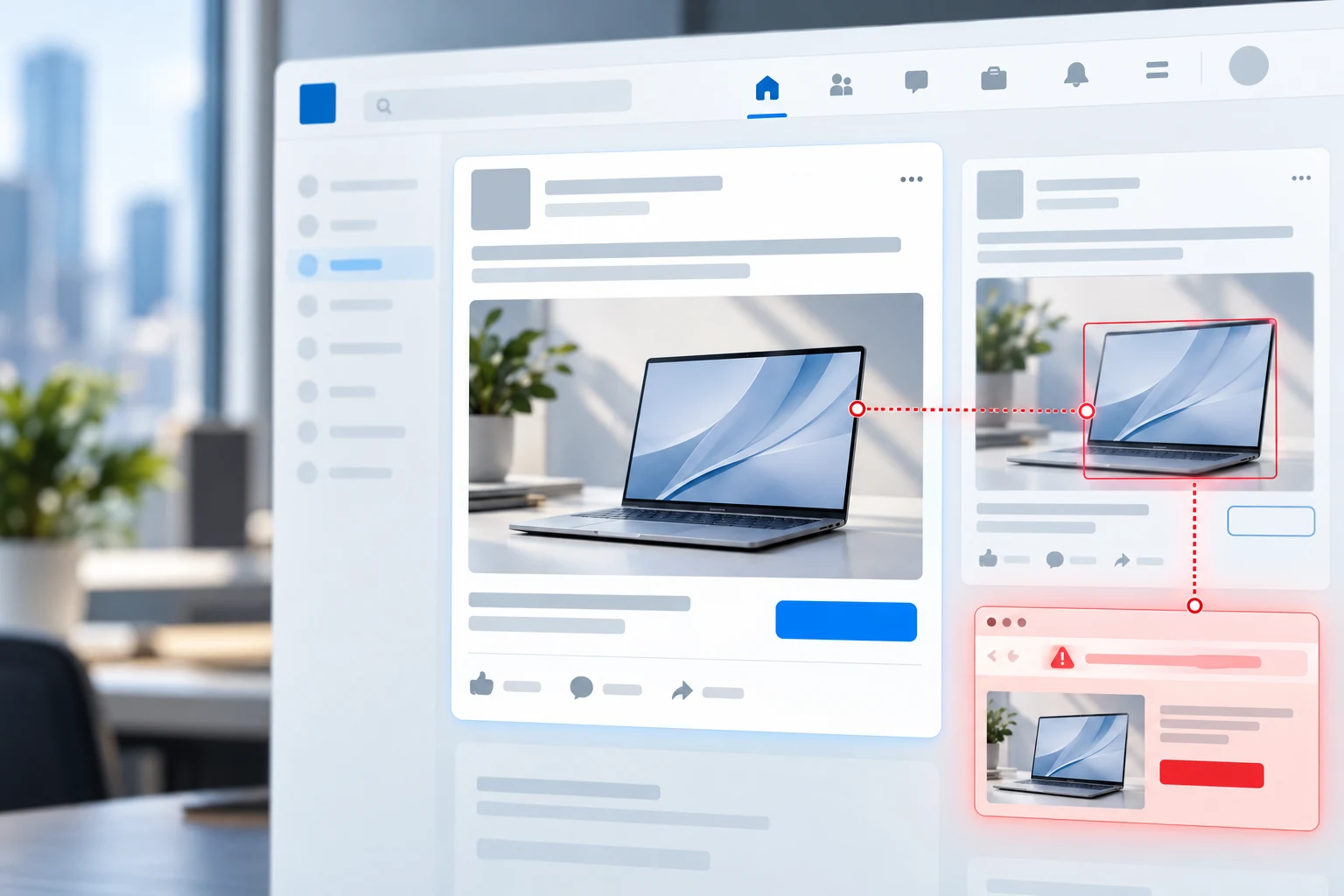

The risk in the feed
Professional context can make a copied post feel credible
A sponsored post can reach a relevant audience while using familiar company imagery, product claims or brand language. If its destination is not yours, customers may still associate the experience with your business.
Brand teams need to distinguish approved campaigns from sponsored content that misuses identity or sends people to a misleading page.
What to review
Look beyond the post headline
Review the elements customers use to decide whether a sponsored post is genuine.
Brand identity
Check names, logos and product imagery against your official presence.
Sponsored creative
Compare offer language and product claims with campaigns your team approved.
Destination page
Check where the post sends people and whether the site represents your business.
Case context
Keep post details and destination evidence together for internal review.
A clear next step
Review, verify, document
01 · IDENTIFY
Find the post
Spot sponsored content that appears to use your brand identity without approval.
02 · VERIFY
Check the context
Compare creative and destination with approved campaigns and your official web presence.
03 · DOCUMENT
Record the evidence
Keep the details together so your team can decide how to report the case.
Frequently asked questions
LinkedIn sponsored content
Look for unauthorised use of your brand name, logo or product imagery, claims your team did not approve, and a destination page that does not belong to your business.
No. Ad-network enforcement is not an automated takedown path. Teams use the platform’s reporting process for verified cases.
Keep the sponsored creative, destination URL, timestamp and the brand elements that appear to be misused.