Fake Google Ads for Your Brand: How to Spot and Report Them

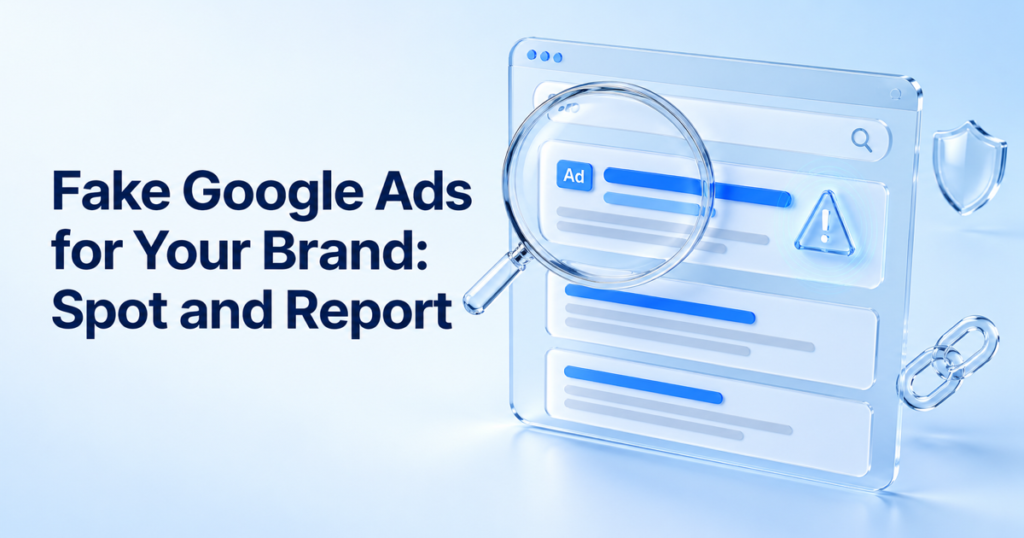
- A fake Google ad can sit above your own listing and send customers to a copy of your site or a phishing page.
- Spot it by checking the headline, the displayed URL against the real destination, the landing page and the advertiser.
- Capture dated evidence first, then report through Google's trademark route, the ad's scam report and the host or registrar of the site behind it.
- Keep a log of repeat advertisers, because a removed ad often returns from a new account.
A customer searches for your brand name, clicks the first result and lands on a site that looks like yours but is not. The first result carried a small “Ad” label, and your own listing sat below it. By the time anyone tells you, the customer has paid, handed over card details or downloaded something they should not have.
This is fixable, and the order matters: spot the ad, capture the evidence, then report it through the right route. This guide covers each step, with the one thing most reports get wrong: they treat the ad and the site it sends people to as two separate problems.
What a fake Google ad looks like
Most fake ads using a brand’s name fall into three patterns.
- Impersonation to a lookalike site. The ad copy borrows your name and the link leads to a copy of your website or a phishing page, often on a lookalike domain.
- Your name used to sell something else. The ad promises your product but leads to a seller of counterfeit or unauthorised goods.
- Your brand term used to redirect traffic. The advertiser bids on your name and sends clicks to their own offer. This is the hardest to act on, because Google judges it case by case rather than treating every use of a brand term as a violation.
The same pattern appears on social platforms; our guide to how fake ads steal customers covers the wider picture. This post stays with Google search ads.
How to spot a fake Google ad
Search for your brand name, your product names and common phrases such as “[brand] official site” or “[brand] discount” the way a customer would, on a phone and a laptop, and from the countries you sell in. Results and ads differ by location, so a check from your office only shows one view. Then run each ad through four checks.

- The headline. Does it promise something you would never offer, such as an unusual discount?
- The displayed URL against the real destination. A headline that names your brand can sit above a link to an unrelated domain. Compare what is shown with where the click actually goes.
- The landing page. Does it copy your branding, ask for payment or login details, or push a download?
- The advertiser. The three-dot menu beside an ad shows who is running it. If it is not you or a seller you approved, that matters. Google’s Ads Transparency Center lets you look up an advertiser and see the ads it runs.
Consumer guidance gives the same advice in plain terms. Which? points out that the headline can suggest a legitimate result while the link tells a different story, and that low prices at the top of search results are designed to tempt clicks.
Capture evidence before you report
Ads change or disappear once an advertiser notices it has been flagged, so capture first.
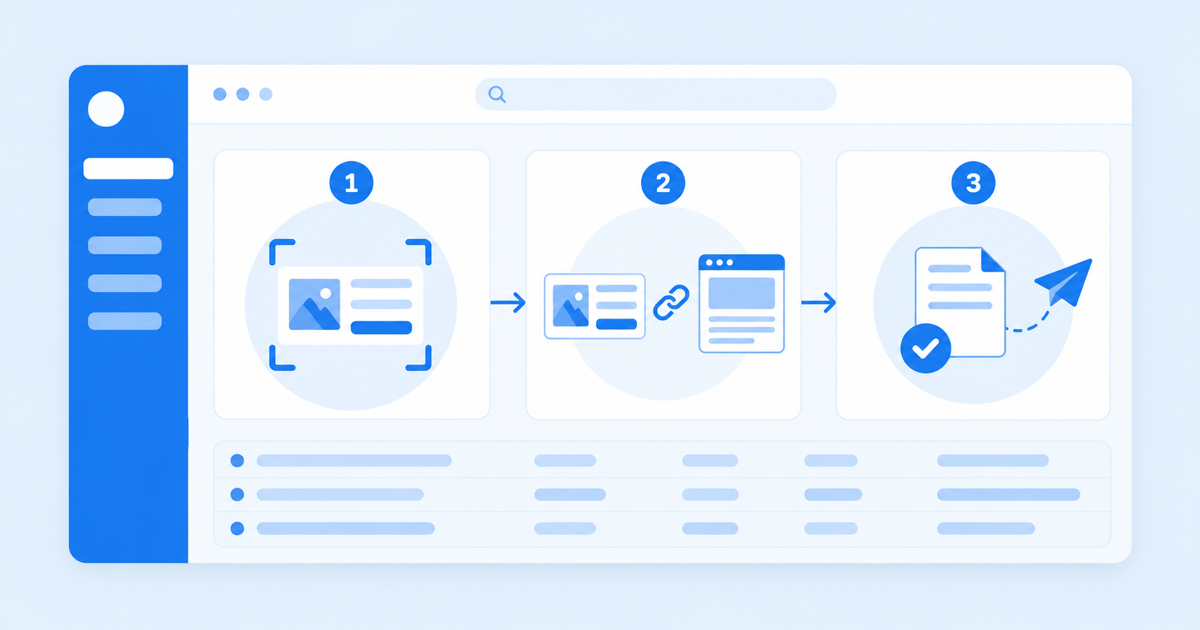
- An unedited, full-page screenshot of the ad as it appeared, with the date, your country and the device
- The ad’s final URL, copied before the page redirects
- The advertiser name shown in the ad details
- A screenshot of the landing page, and of any payment or login form on it
- Your trademark registration record for the countries concerned
Keep one folder per case with the same naming each time. The takedown request templates show how to present the same material to a host or registrar.
How to report a fake Google ad
Choose the route by what the ad is doing.
Trademark complaint to Google. Google’s Ads trademark policy points trademark owners to its content reporting route. Its terms are worth knowing before you file. Google accepts complaints only against specific advertisers identified by their URLs, and only in the countries and industries where you can show trademark rights. It looks at whether your mark appears in the ad itself, whether the advertiser is a direct competitor and whether the use is misleading. The usual outcome is a restriction on using your mark in ads, which generally applies to any ad with the same second-level domain in its final URL. Google issues a warning at least seven days before any account suspension, so do not expect an instant result.
Scam or phishing ads. Where the ad is plainly fraudulent, report the ad itself from the three-dot menu as well. Do not rely on one route.
The site behind the ad. A removed ad does not remove the page. Report the landing site to its host or registrar, as set out in how to take down a copycat website, and use the domain phishing guide if the site collects credentials.
Why fake ads keep coming back
An advertiser who loses one account can open another and point it at the same landing site. Stopping the ad only gets you part of the way, so keep a log of each advertiser, domain and date. Repeat advertisers are the pattern worth escalating.
That is also why checking by hand once a month is not enough. Truviss’s Google Ads Scanner looks for suspicious search ads using your brand, ties each ad to the place it sends people and keeps the evidence ready, so your team can review each case and file the report. For the broader picture, see our overview of brand abuse types and how to detect them, or how brand impersonation works.
Frequently asked questions
Can I stop other companies bidding on my brand name?
How do I report a fake Google ad that uses my brand?
How long does it take Google to remove a fake ad?
Do I need a registered trademark to report a fake ad?
What if the ad leads to a real reseller selling genuine goods?
Does Truviss remove fake Google ads automatically?
Mithileshkumar leads growth at Truviss, working every day to make sure the brands losing the most to counterfeits, fraud and digital impersonation are the ones who find out about a fix first. He’s spent his career believing that good marketing isn’t about noise, it’s about showing up right when someone needs the answer. Off the clock, he’s usually chasing the same instinct in something entirely unrelated to work.
More from Mithileshkumar R NaikRelated reading
Brand Abuse Detection: Types, Examples and How to Spot It
The six main types of brand abuse, what each looks like, where it appears and how to detect it, with a weekly checklist and the r…

Takedown Request Templates: Copy-Paste Notices for 5 Targets
Copy-paste takedown request templates for a marketplace listing, website host, domain registrar, social post and app store, with…
How to Take Down a Copycat Website: A Guide
A step-by-step guide to removing a copycat website: evidence, WHOIS lookup, hosting and registrar reports, DMCA, and when to esca…